

Main problem with running your own AI assistant is speed. Nanobot is lightweight but main problem it time od the reponses generated by the model. I am running right now Qwen 3 27B parameters. Average reponse varies but it is at least few seconds. If I would have faster GPU than Radeon 7900 XTX than probably it would faster but prices of GPUs are crazy now.
One of the things I have been testing my little chatbot with was searching for stuff on the internet. For example I like to check prices of some PC parts from time to time. Just out of curiosity and to have a knowledge how crazy it is (NVMe SSDs of 8TB sizes are at least 2x times pricier than last year, on the other hand salary for my profession dropped to 60-70% last 3 years, without inflation, with inflation it would be around 58%). Things are crazy.
So just to have a perspective I search for prices of some stuff periodically. I thought that I can automate it a bit with my be AI assistant. But by default nanobot searches using BraveSearch API. I do not like that for following reasons:
- It is not self hosted; I just like to have control on my own data and history of my searches and etc.
- It is cloud service which means it is tied to an account which means they need to store history of some some kind (number of executed queries at the least, because they need to bill you; I suspect everything is stored)
- Also I do not trust Brave trademark there were enough problems with what they are doing with their browser. Other companies have their own problems too but at least they do not pretend to be privacy friendly, and sell what they can with other hand.
- Also it is paid and it is not a problem of money it is a problem of me feeding money to organisation doing not fair stuff to their own users. For example I donate to Signal every month because I trust them and I like their service.
Because of those reasons I wanted something else to be used instead. I looked at Startpage.com but they sadly do not have such service like paid API. Too bad.
Previously I used DuckDuckGo, but then I switched to StartPage. I really liked the minimal view of the searches and results were really good also. With DDG I often had to search somewhere else because I was not able to find what I was looking for.
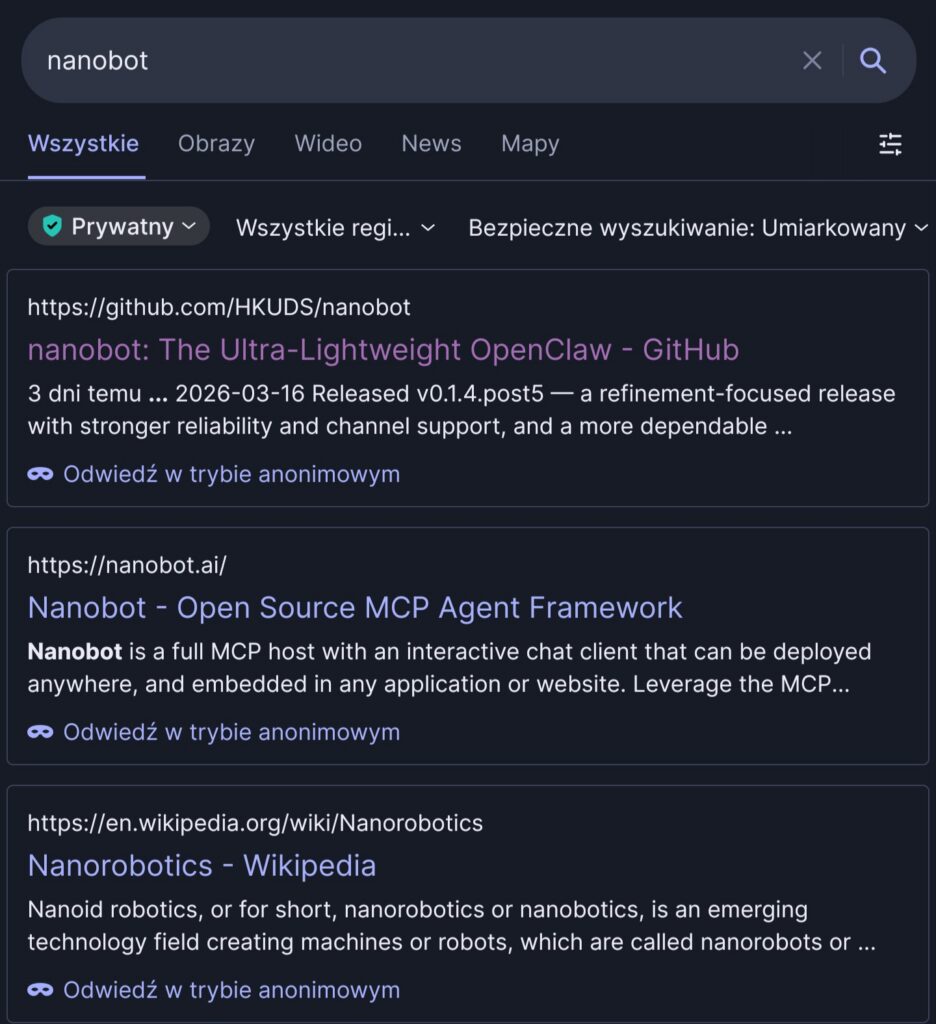
Since then they actually implemented ads and sometimes they popup after like a second after getting search. So you click on it and you get add instead of search result you wanted to tap, at least on mobile, but otherwise I am pretty happy.
As I mentioned, there is also DDG and unlike the StartPage they have pure HTML results page which you you can query with non browser tools, even in CLI. It is pretty fast and does not have bloat. Makes me wonder when they are going to remove that.
There are others search engines but since I am still playing and experimenting using DDG with pure HTML version seemed like a good idea.
There is still problem with a lot of silly stuff in HTML that you do not really need nor want (because tokens generation will be slower) feed to your model. How to remove that?
I remember that I setup Browsh a while back. It is awesome because it is one of those silly projects that let’s you see browser and internet via CLI which maybe were a problem 20 years ago when you were not carrying mobile phone with you all the time and had access to only SSH. Right now it is not but the project is still active. I set up this on my server, when I host nanobot few years ago and even managed to load one of my self hosted services and login via Oauth. That was almost useless but still really great experience.
So I poked around docs of this project and guess what? It have server mode. That means I could set it up for nanobot to use via curl. I started it and played a bit in CLI. For example doing something like tath:
curl -s --header "X-Browsh-Raw-Mode: PLAIN" "http://serwer:4333/https://html.duckduckgo.com/html?q=Radeon+AI+Pro+R9700+cena+site:ceneo.pl"
will open the page in text-only mode, returning it all to terminal.
curl -s --header "X-Browsh-Raw-Mode: HTML" "http://serwer:4333/https://html.duckduckgo.com/html?q=Radeon+AI+Pro+R9700+cena+site:ceneo.pl"
This instead opens your page reads it and returns text values of tags + links! Crazy stuff!
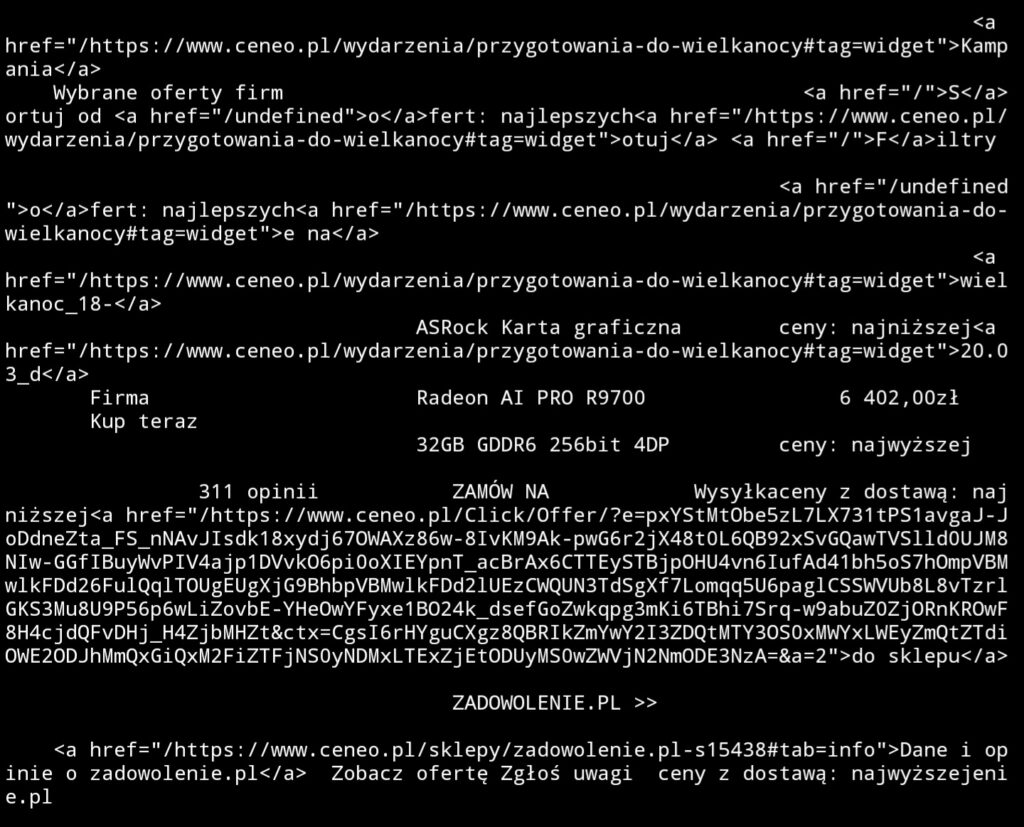
This means that feeding it to LLM should be much quicker instead of I.e. default web-fetch skill of nanobot that returns plain HTML and it have limit of maximum characters. This is bad because it may cut out an actual content page of the page you are interested in and just feed head tag to model.
So with that knowledge I created new skill with following prompt:
Add the following skill: when you need to search something on the internet, perform a query to the following address
http://localhost:4333/https://html.duckduckgo.com/html?q={query}with the curl header--header "X-Browsh-Raw-Mode: PLAIN".
It worked but form time to time it looks like browsh is responding slowly and default timeout of 30s that it uses to communicate with Firefox in the background (yes it uses headless Firefox) is not enough. You can just ask assistant to repeat the query and it should be fine.
After that I tested it a bit and it worked.
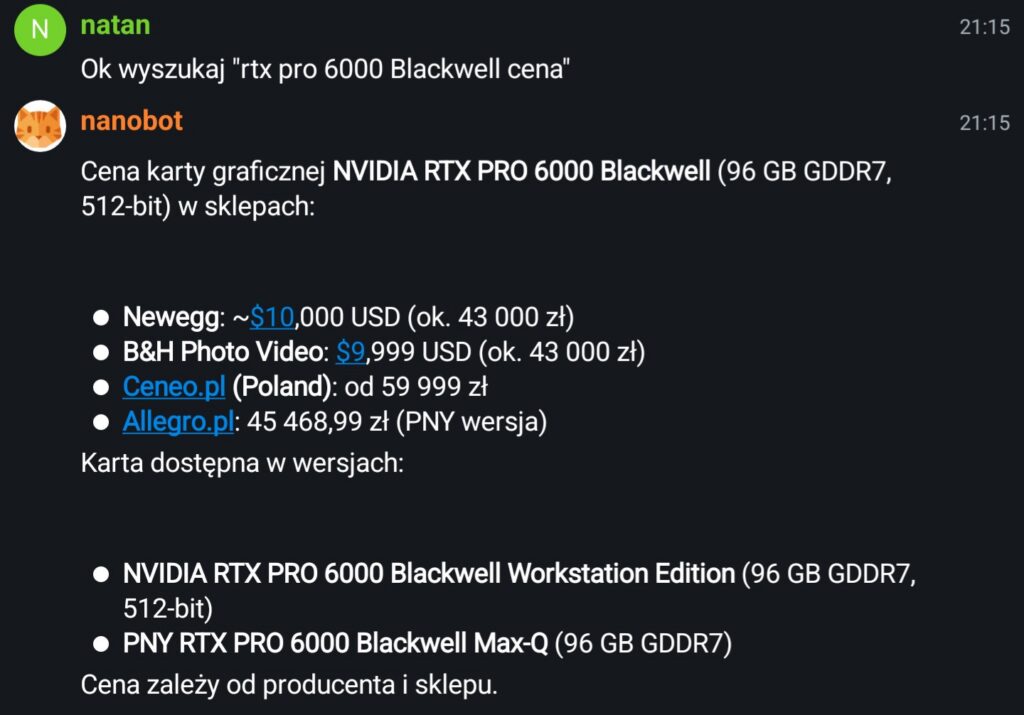
I asked it search for new Blackwell Nvidia card prices and it returned sensible results. Also I inspected the logs and it actually did called my browsh instance not the Brave Search API (it would not work without API key!) or web-fetch skill.
Felt great to be able to teach my assistant something new that felt useful!
One Reply to “How I taught my AI assistant to read websites”